Everything else.
Finally on the map.
Printers, switches, access points, and virtual machines get a record. Found by scan, synced from your hypervisor, or imported from the spreadsheet you already have.

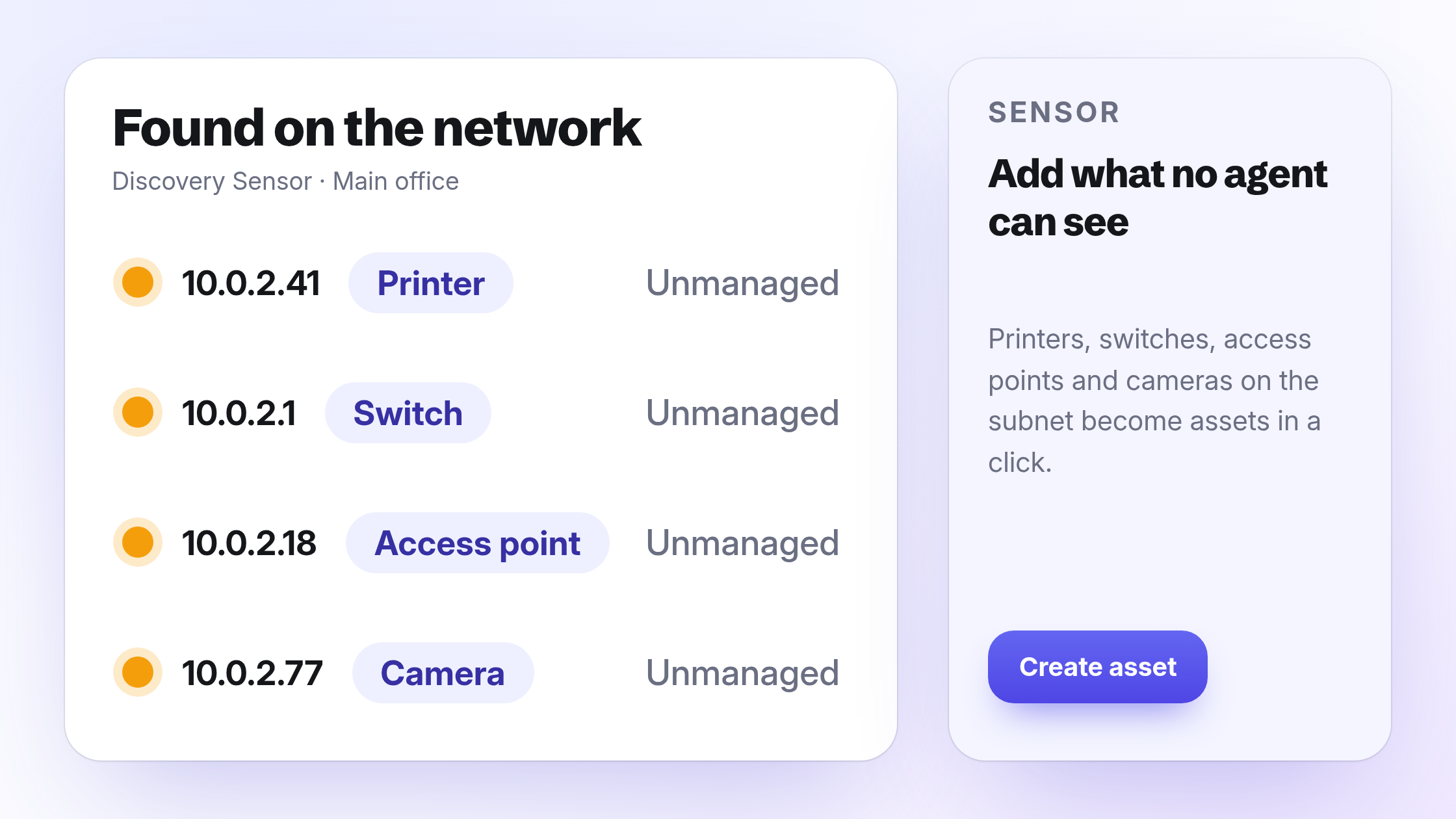
The gear no agent can see. Found on the network.
Run the Discovery Sensor on a PC inside your network, or add a cloud scan range, and watch unmanaged devices appear with live progress. Cloud scan ranges go up to /24. Private networks use the Discovery Sensor.
One tidy record for each one.
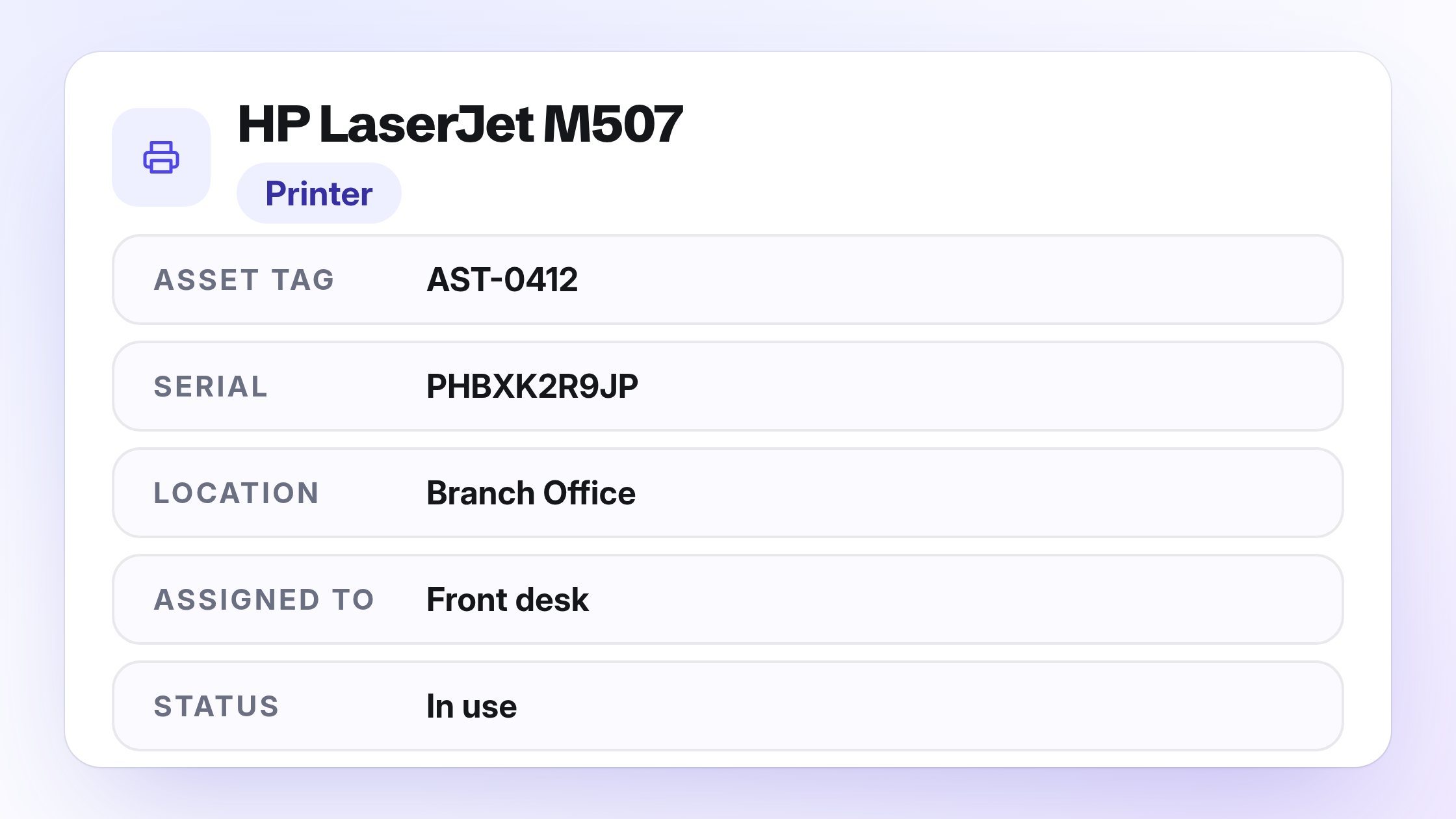
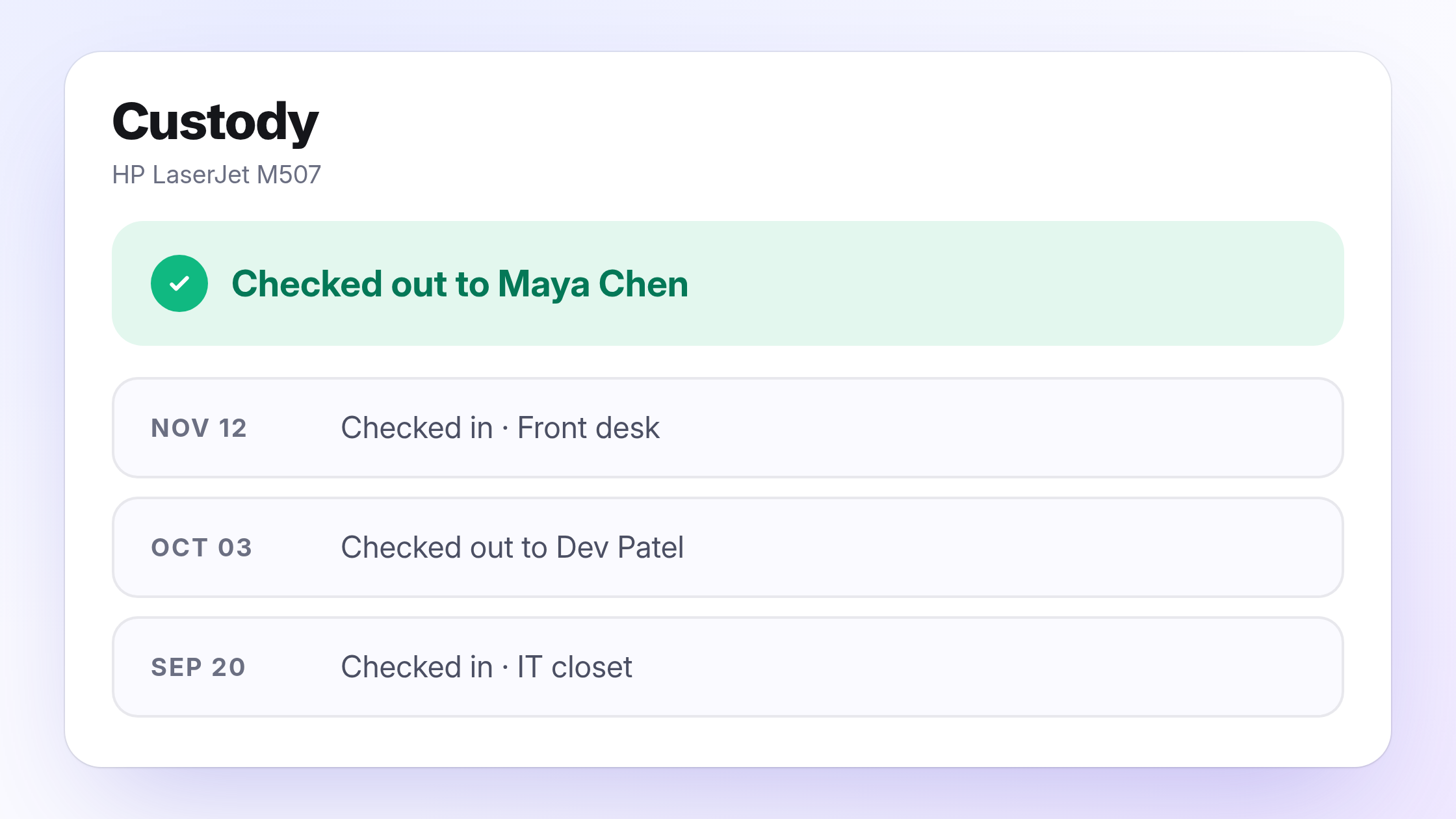
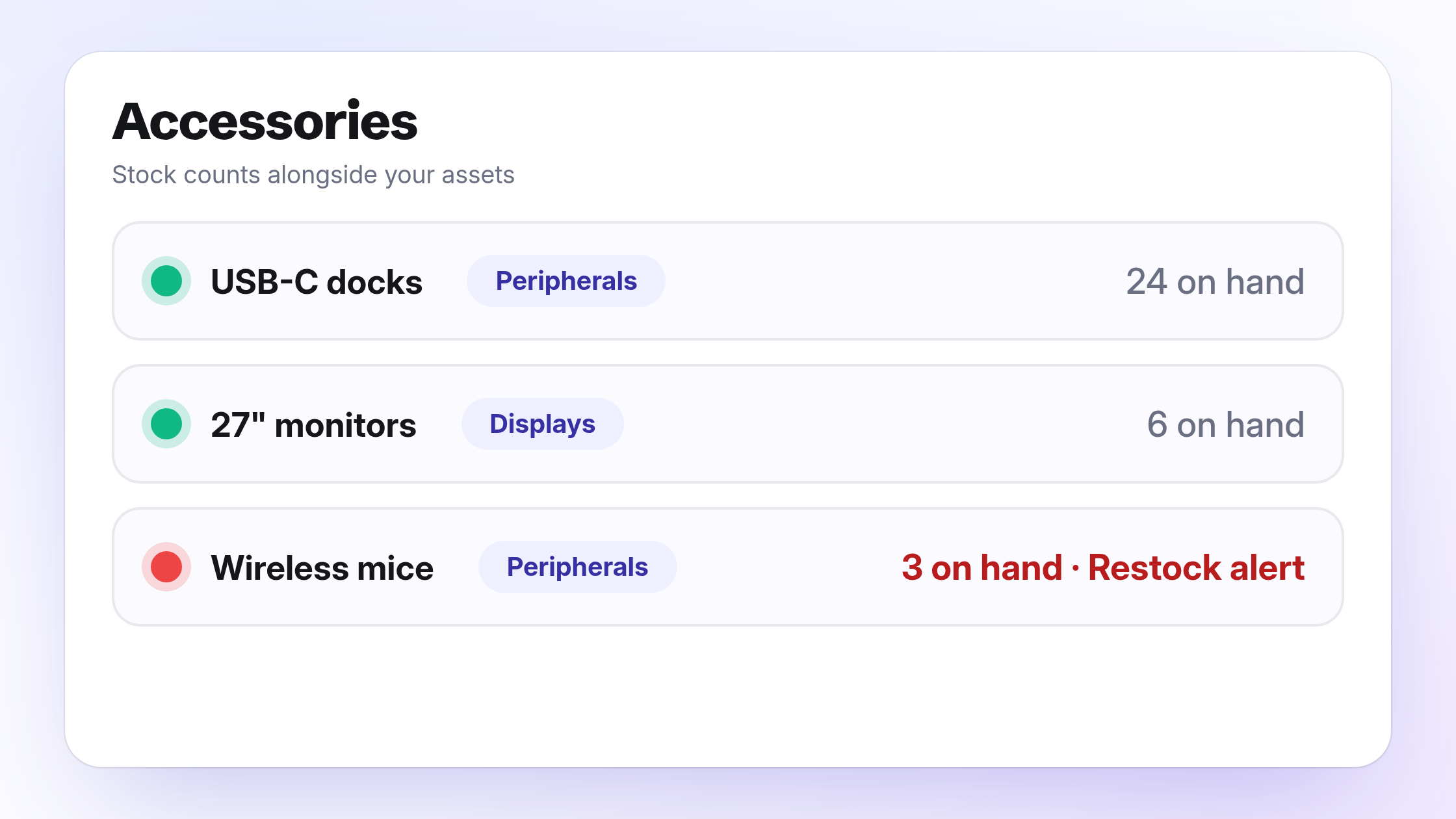
Name, type, location, and who has it, in one record. Accessories like docks, monitors and mice sit alongside, with stock counts and restock alerts.
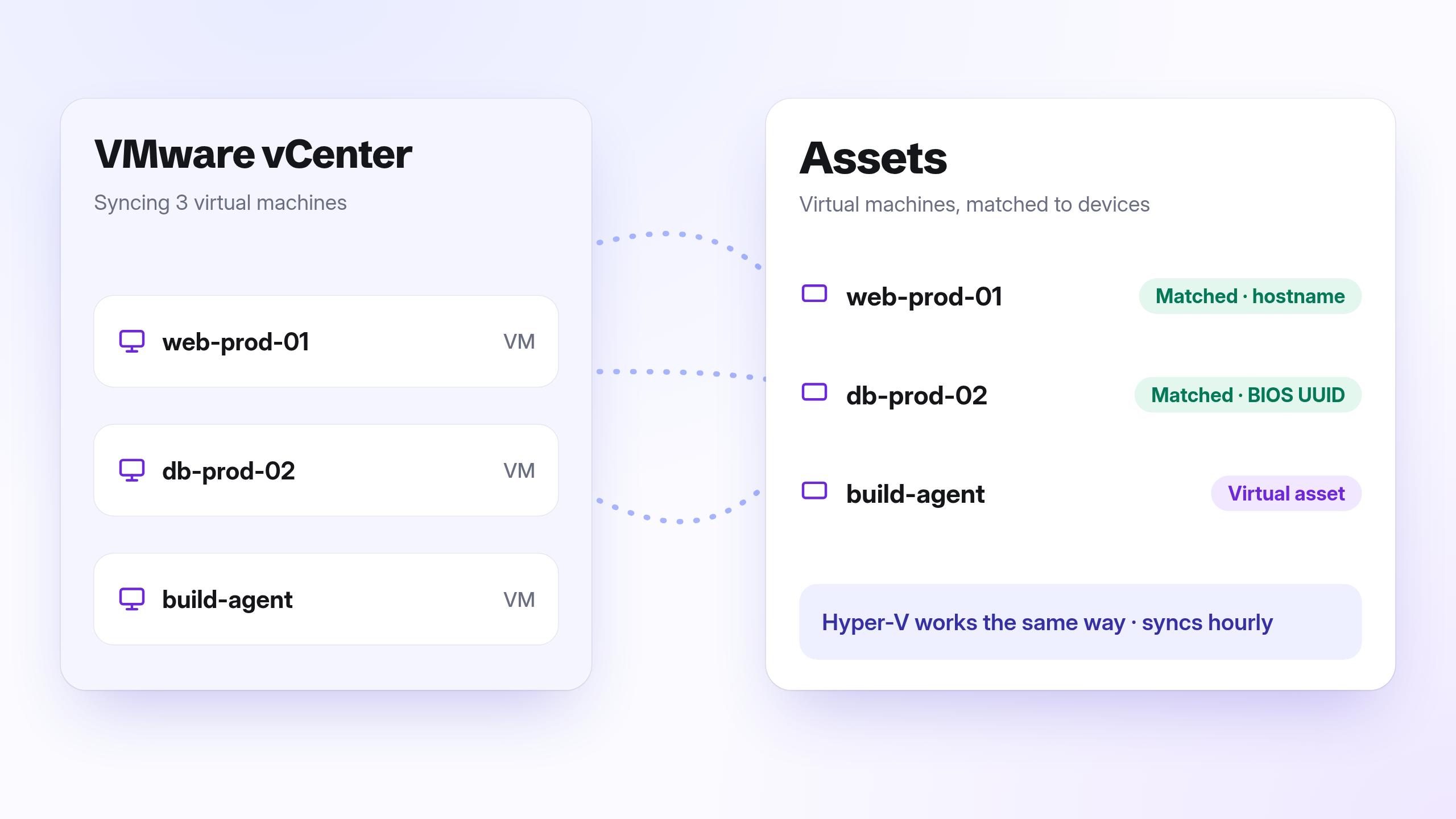
Virtual machines, matched.
Connect VMware or Hyper-V. Each VM becomes a virtual asset, matched to your devices by hostname or BIOS UUID/GUID.
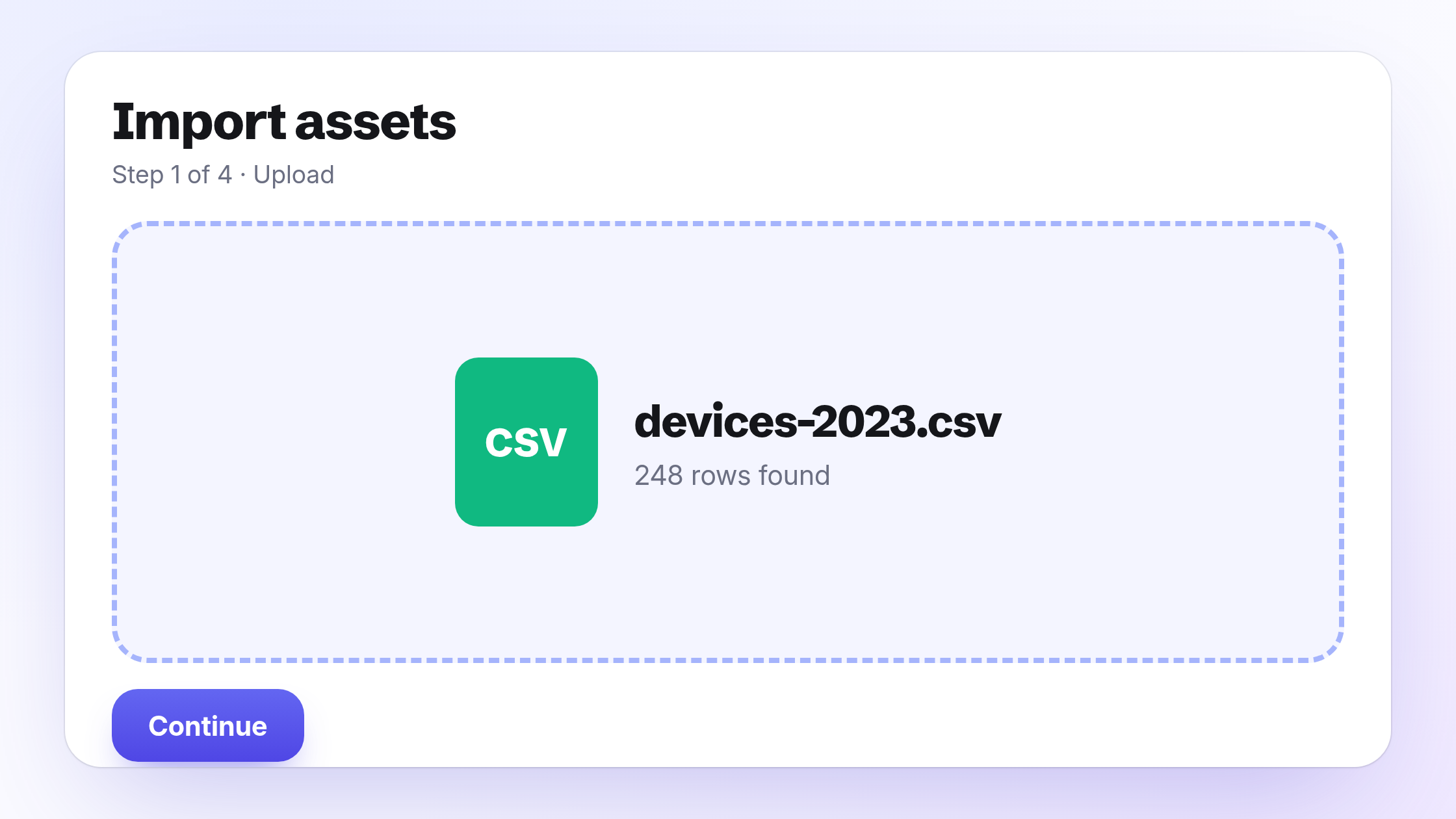
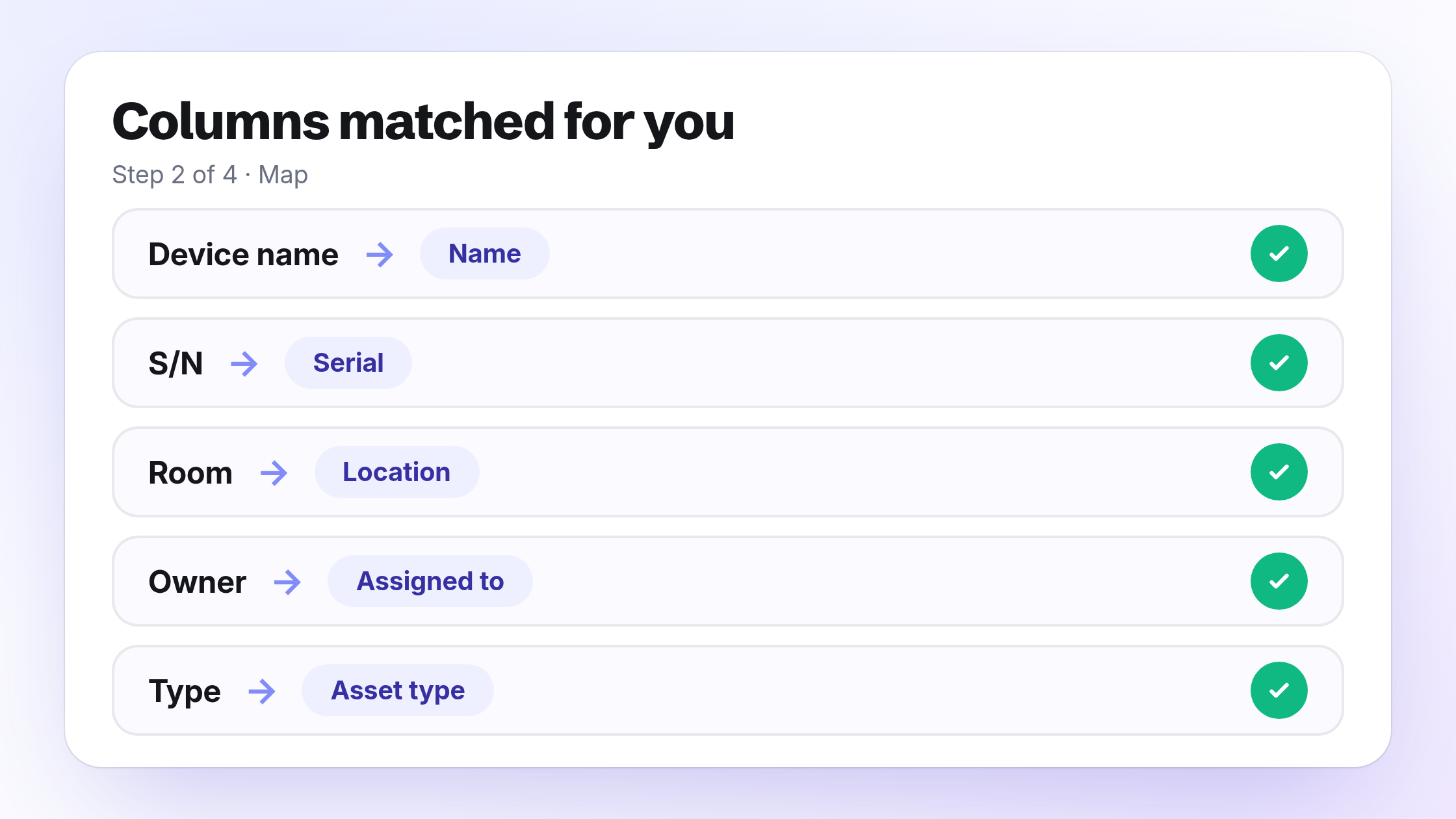
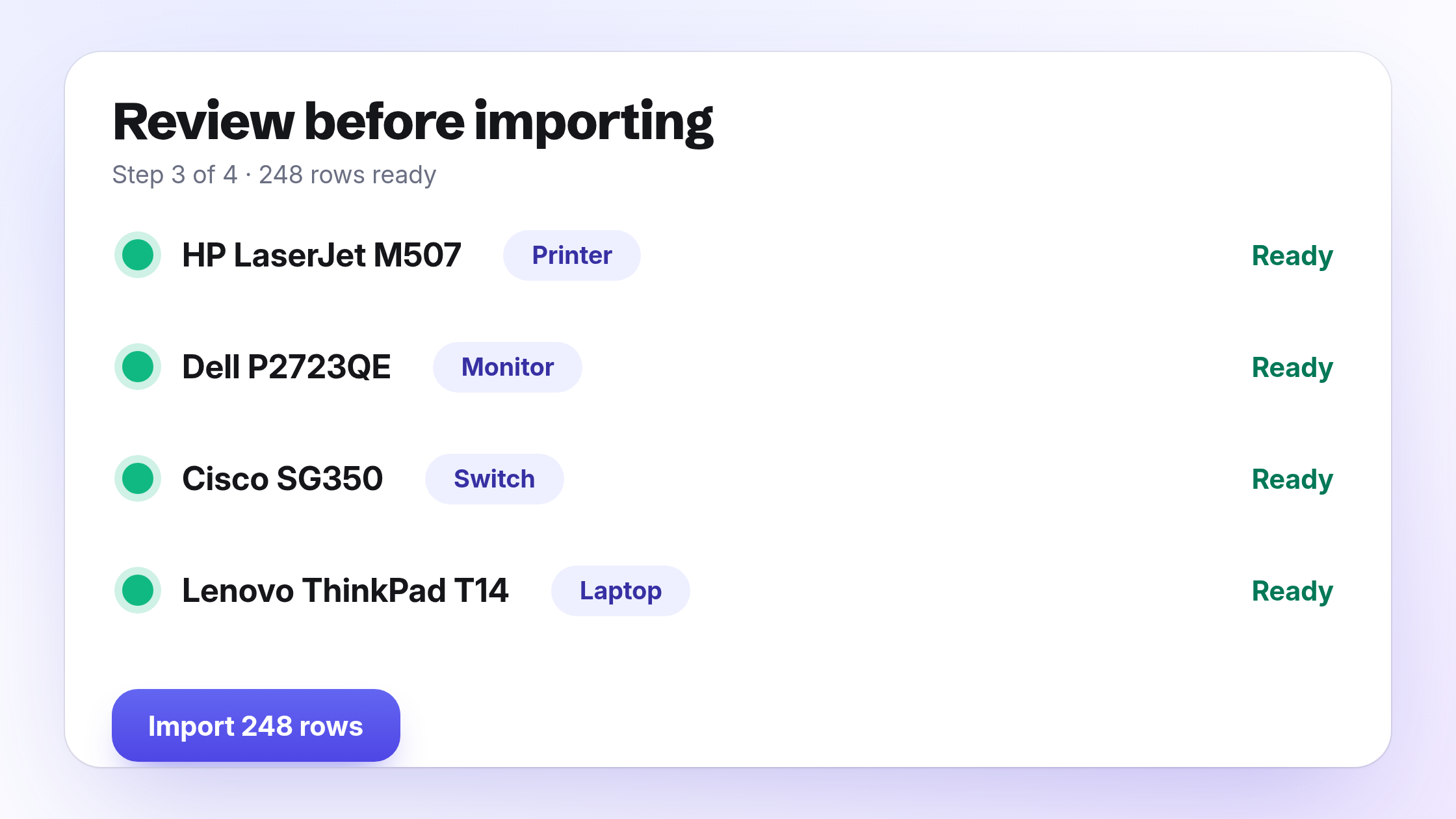
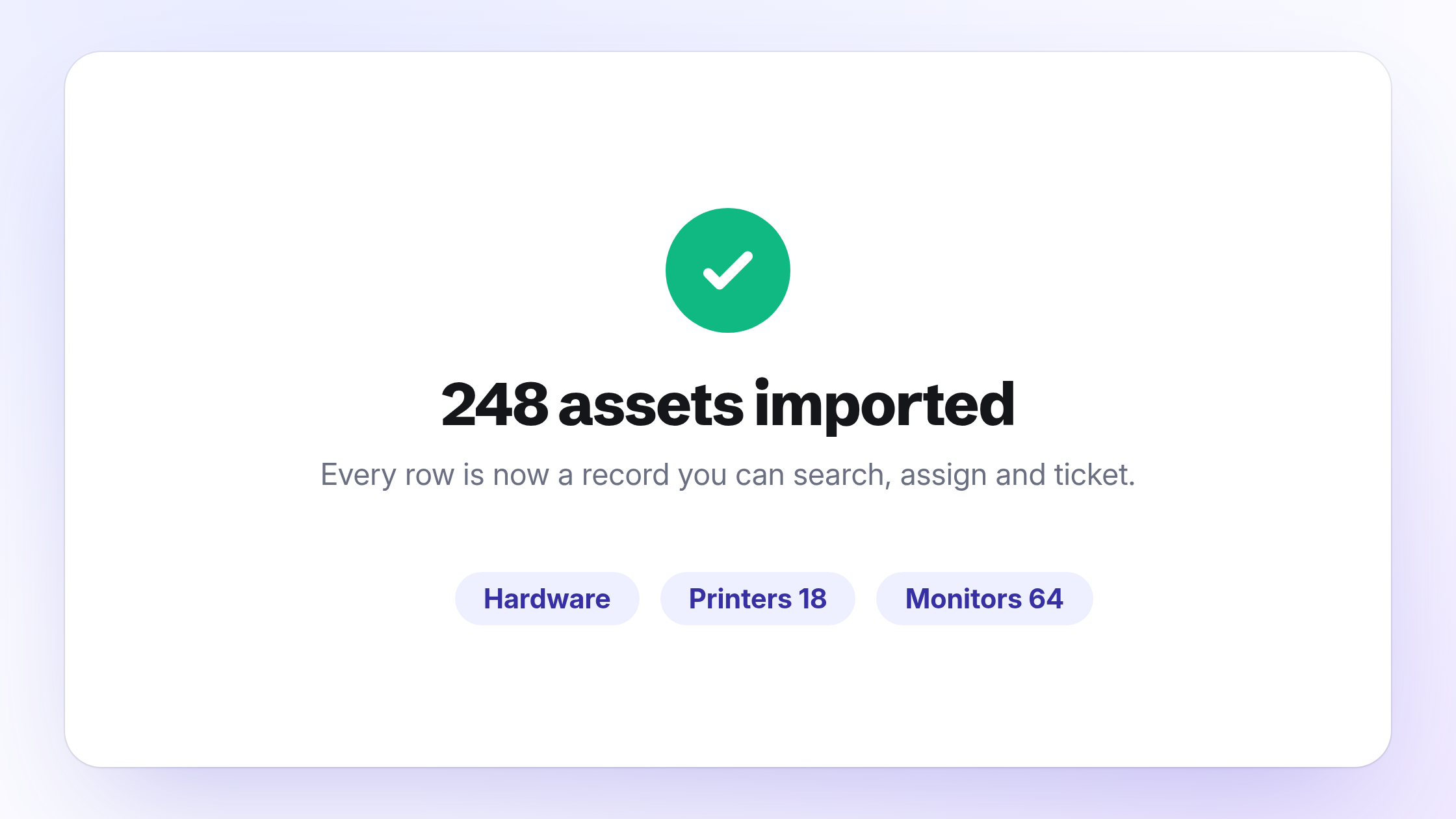
Bring the spreadsheet you already have.
Upload, auto-map the columns, review the rows, then confirm. Export to edit offline and re-import.
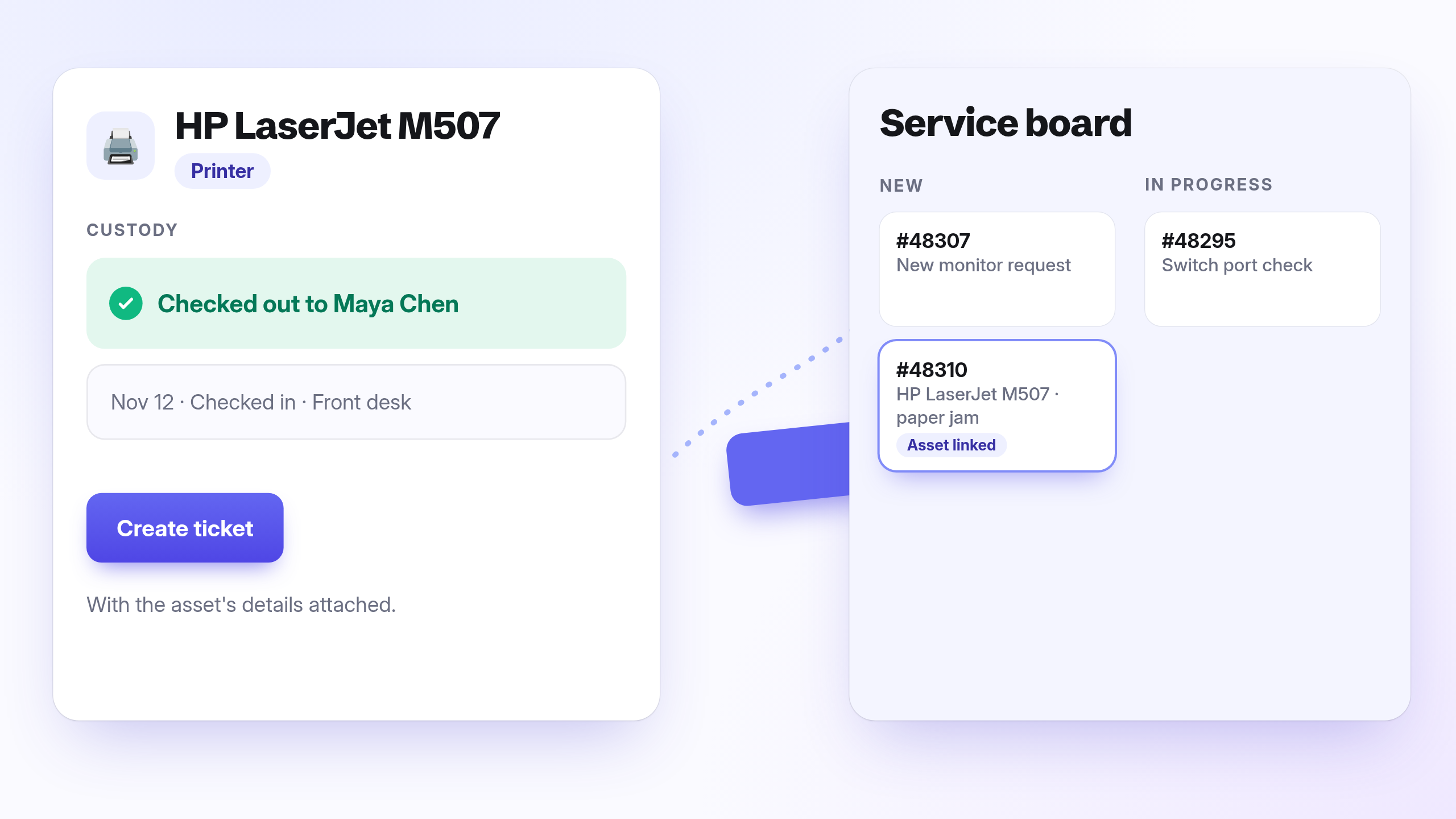
Open a ticket with the asset attached.
Create a ConnectWise Manage, HaloPSA, Autotask, ServiceNow, or Freshservice ticket from the asset, or paste a ticket URL.
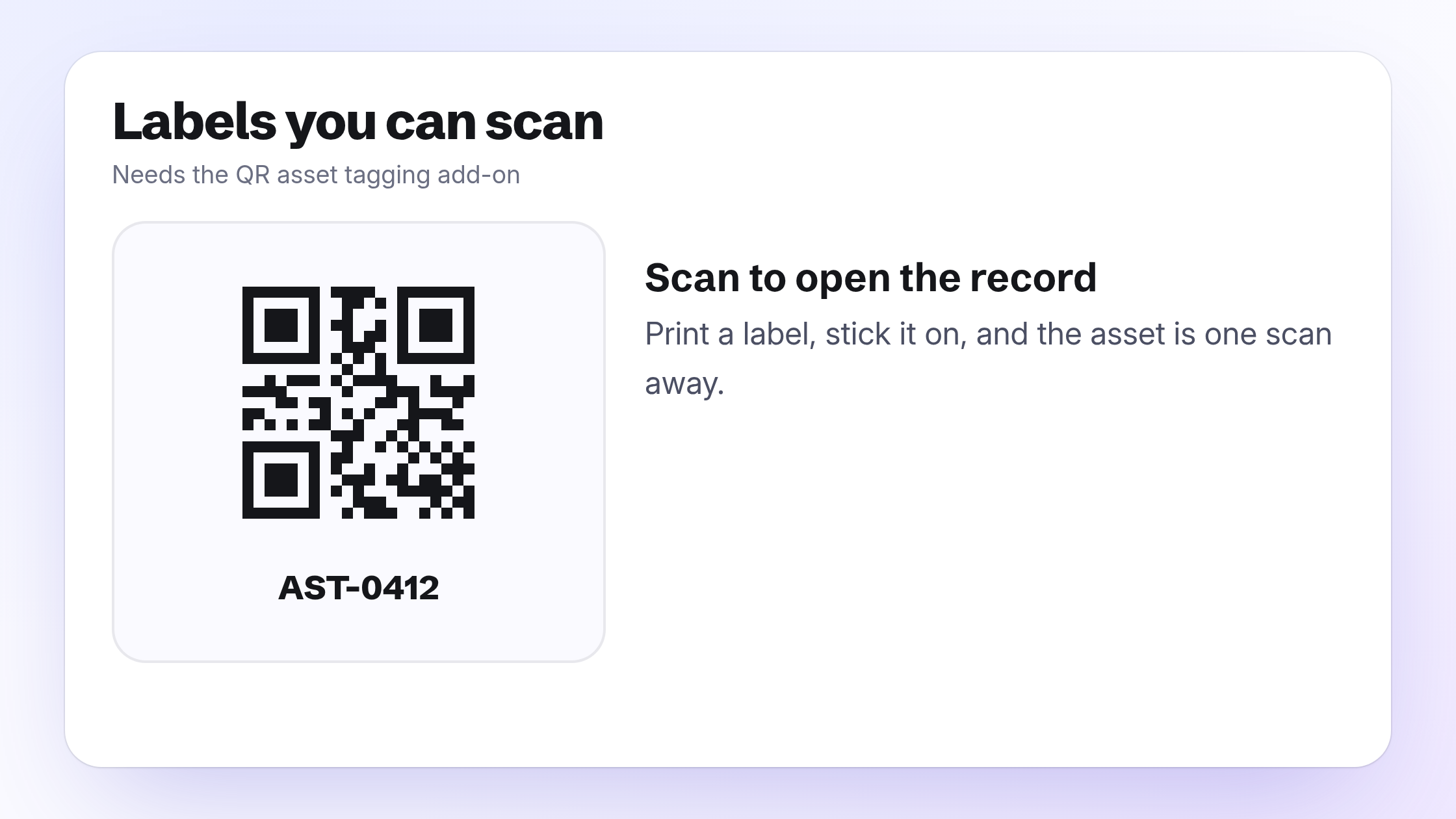
Labels you can scan.
Print a label for the asset and scan it later to open the record. Requires the QR asset tagging add-on.
Questions
Does a printer or switch need an agent?
No. The Discovery Sensor and scan ranges find them.
Can it scan a private network?
Private networks need the Discovery Sensor. Cloud scan ranges go up to /24.
How are virtual machines matched?
Each VM is matched to your devices by hostname or BIOS UUID/GUID.
Which ticketing tools can open a ticket?
ConnectWise Manage, HaloPSA, Autotask, ServiceNow, and Freshservice. You can also paste a ticket URL.
See it in action
Deploy the agent, see your devices appear in seconds. No configuration required.