The agent goes out to the client's PCs.
Every device.
One live table.
Stop chasing spreadsheets. Your whole fleet, phones included, stays current as devices check in.

The spreadsheet is always a month old.
A device list somebody updates by hand is stale the day after. InventoryOS reads each device as it checks in, so the table is the record.
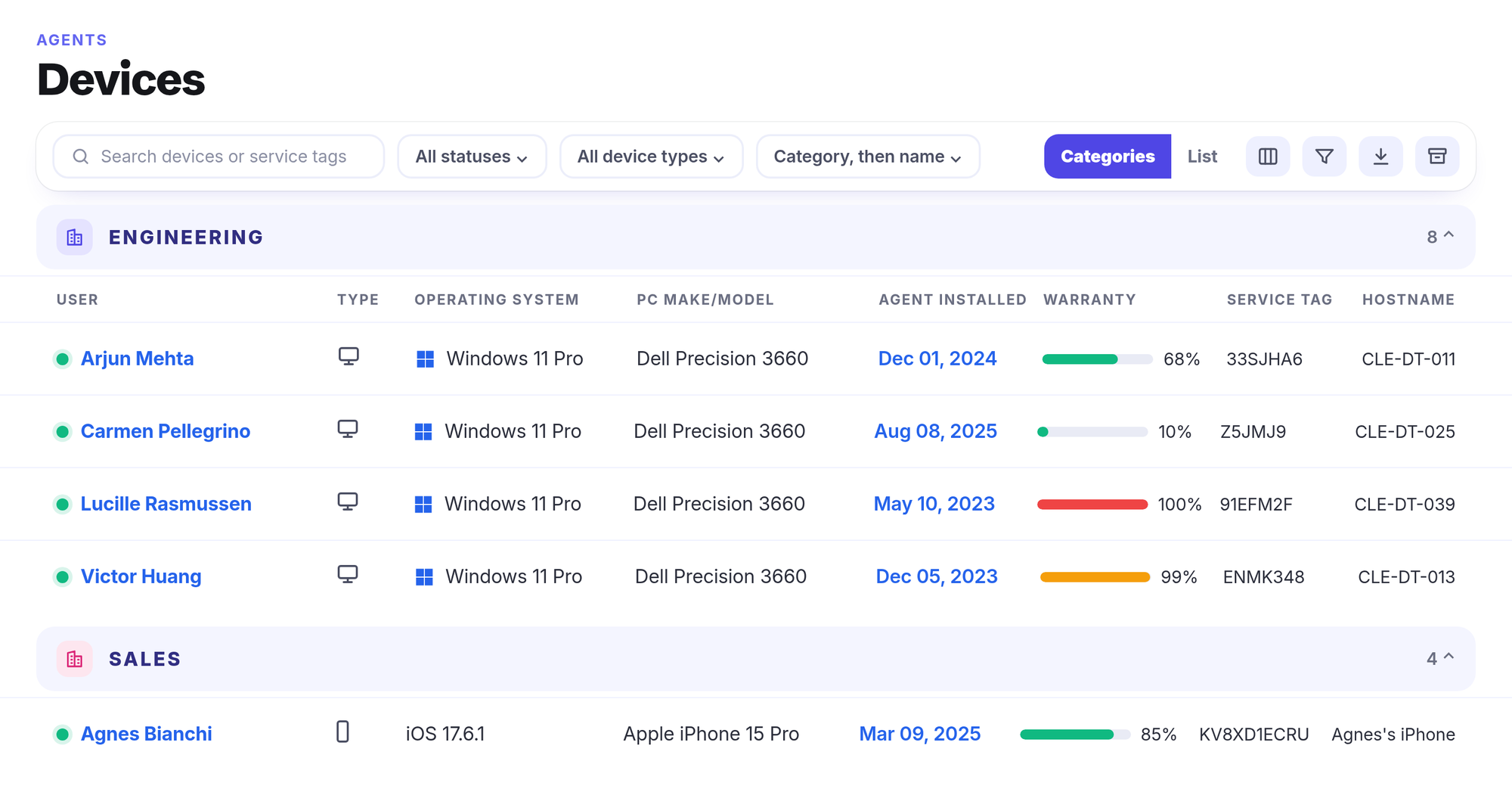
Install the agent. The row builds itself.
Desktops, laptops, and servers appear with hardware, operating system, service tag, network, and last check-in. Nobody types a thing.

Phones in the same table.
Phones and tablets enroll with a QR code, a web check-in, or the iOS companion, and show up as devices right beside the PCs.
- Maya's iPhone iOS
- Front desk tablet Android
- ACME-FRONT-DESK Windows 11
Warranty and place, without a lookup tab.
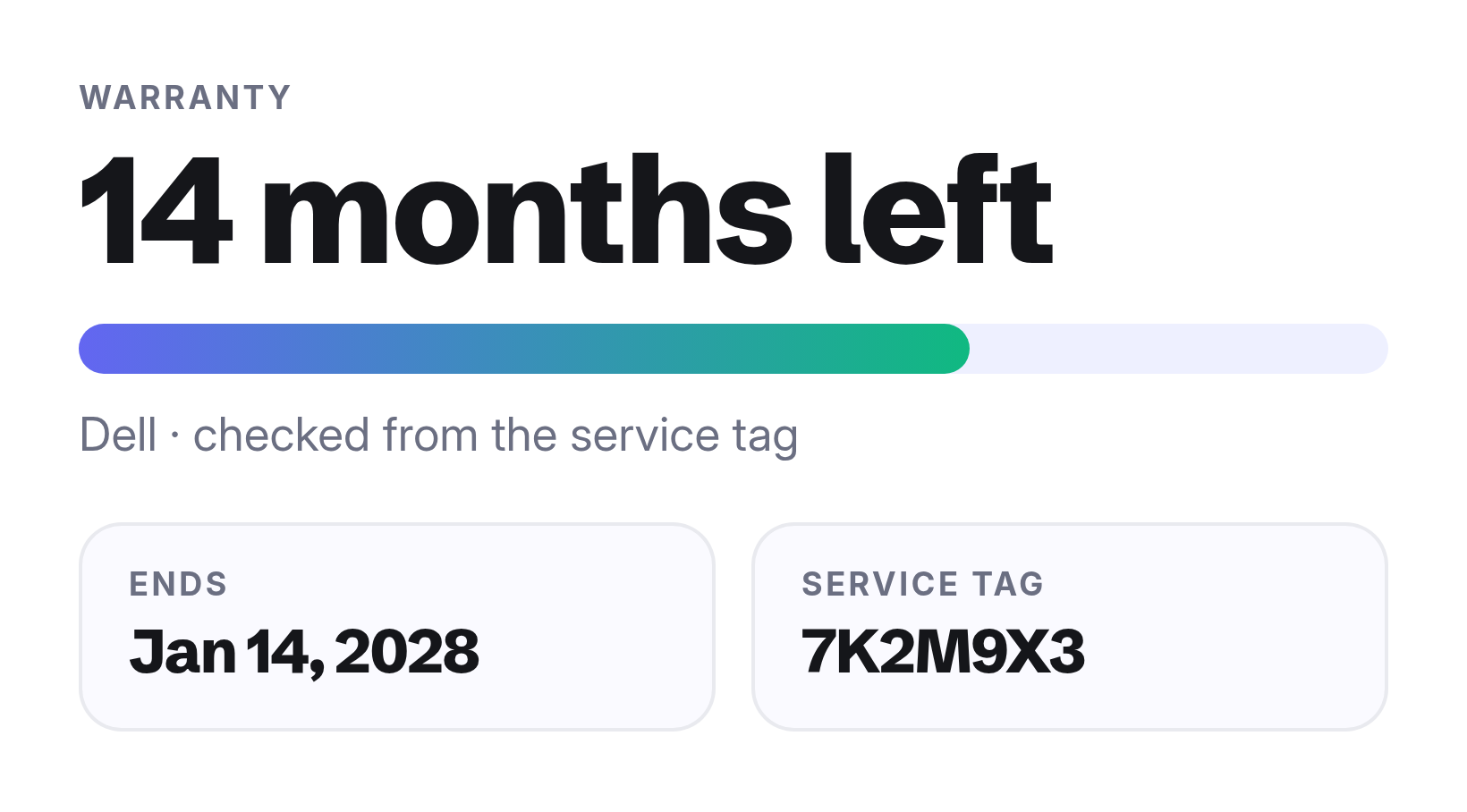
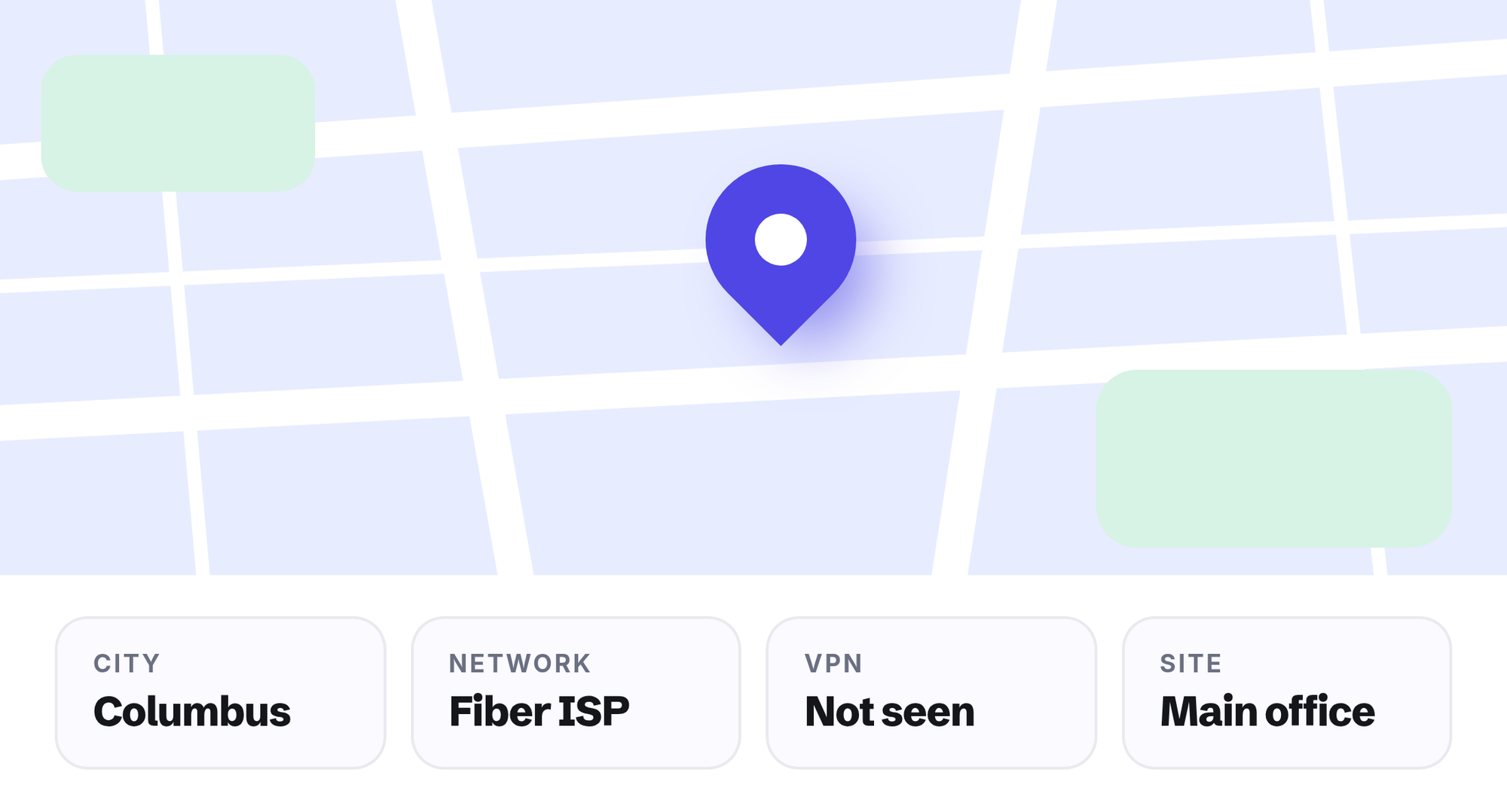
Warranty end date and a coverage bar from the service tag for supported makers. Public IP with city, ISP, and a VPN flag on a map. Site nicknames when custom locations are on.
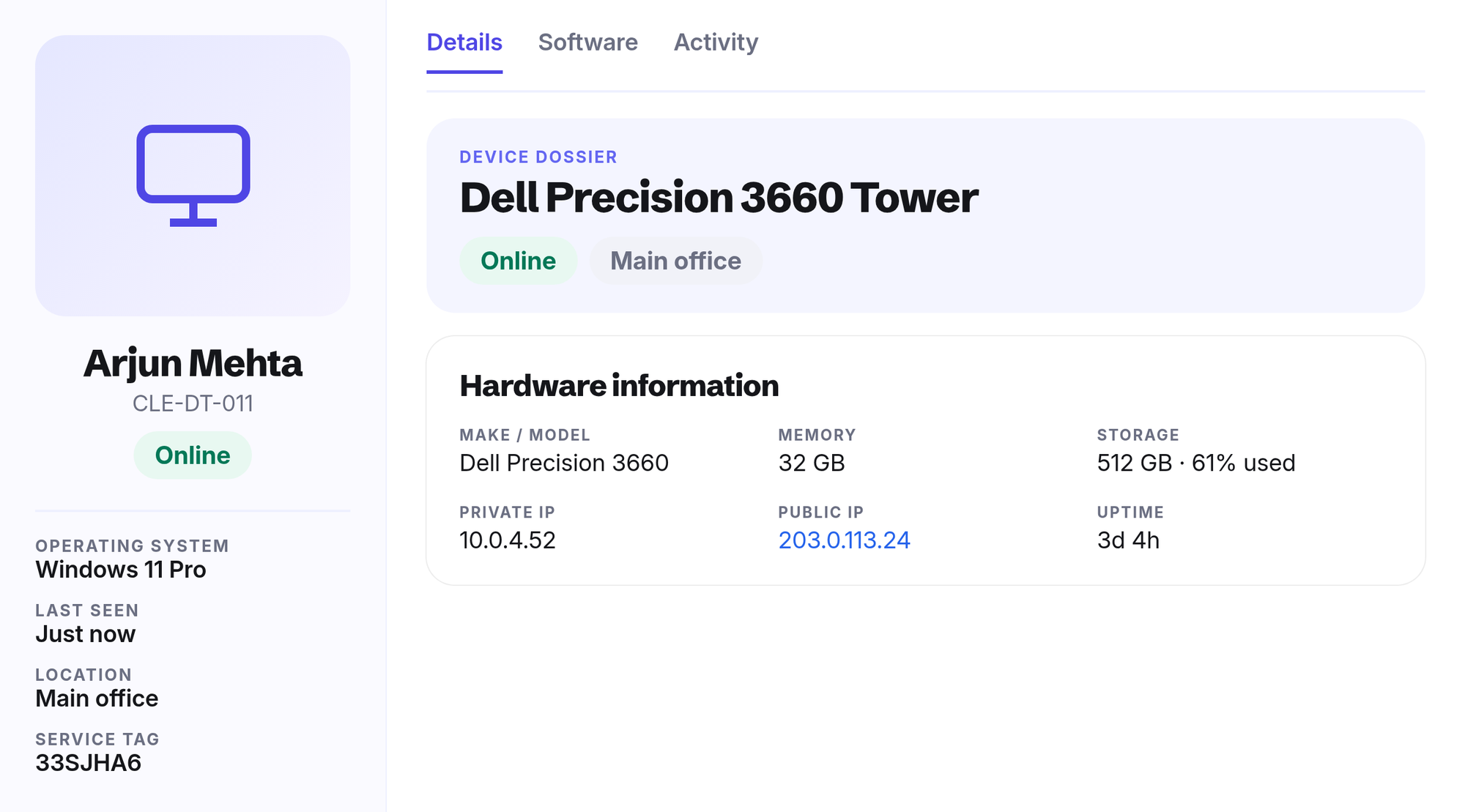
Checked against what you expect. Cross-checked in your portals.
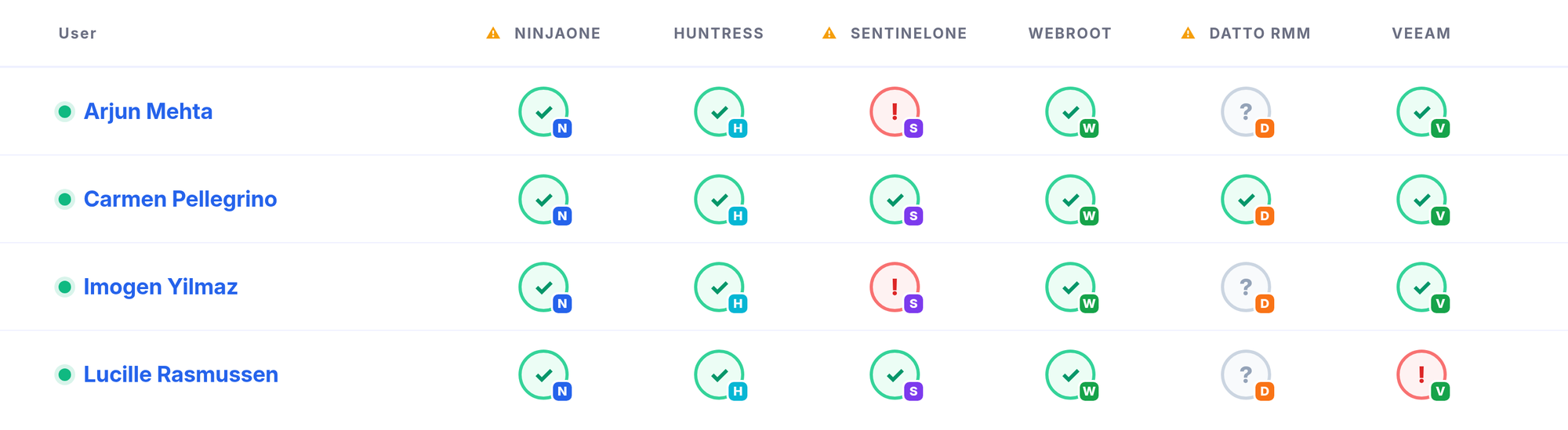
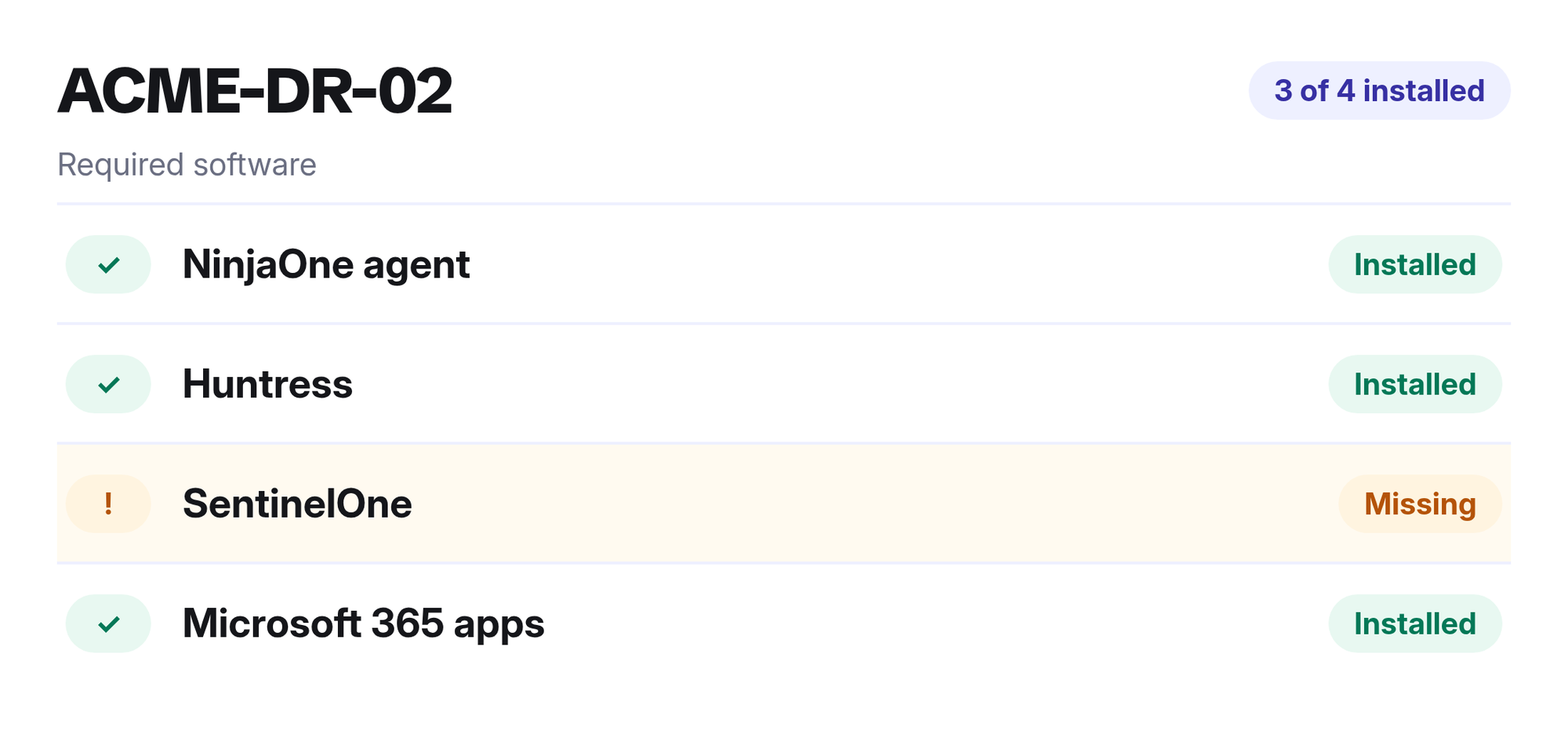
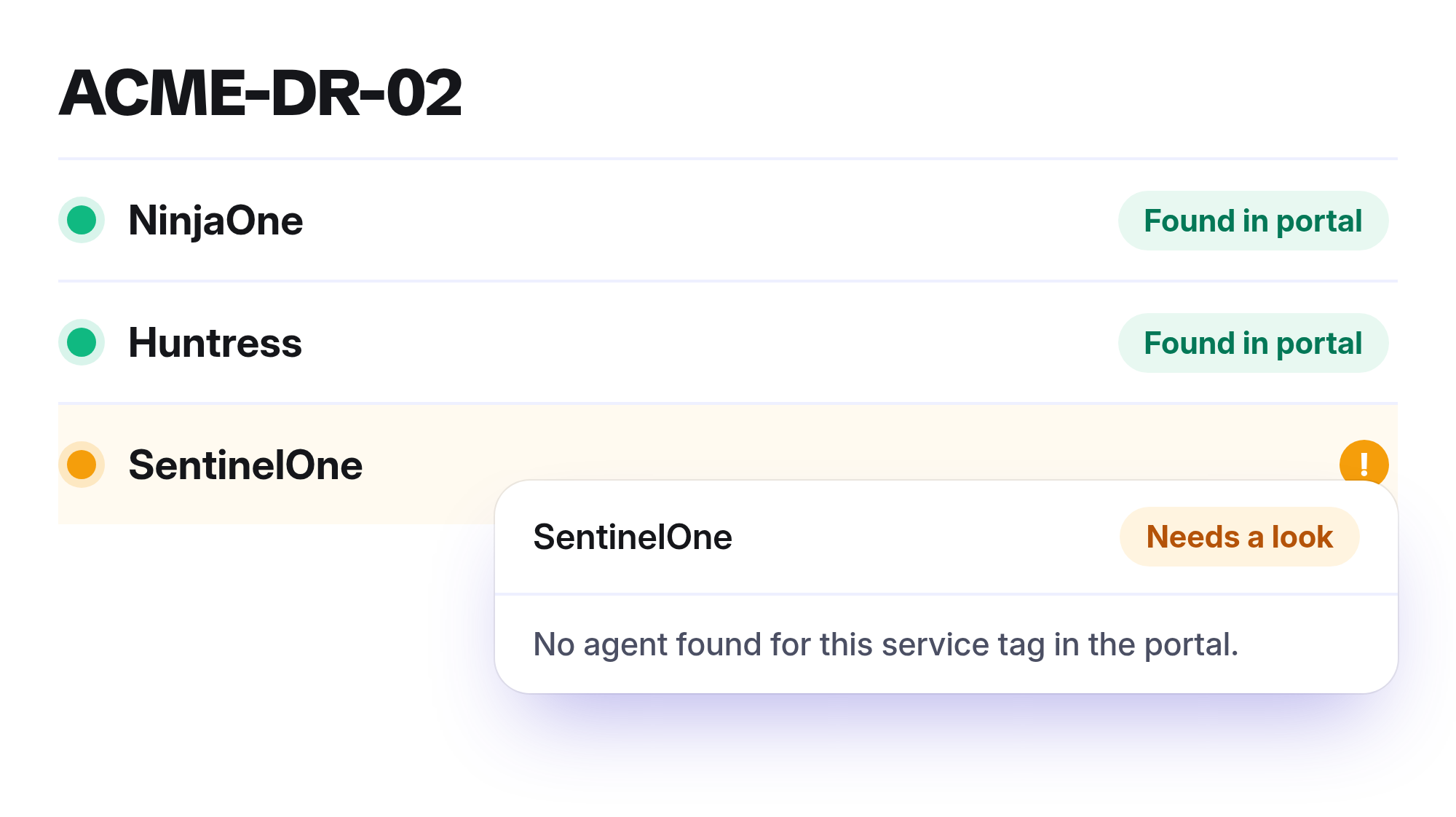
Each device's installed software is compared with the tools you require. Where a vendor portal is connected, the device is matched by service tag and any disagreement is flagged. InventoryOS shows and flags; it does not install software.

Add the columns your process needs.
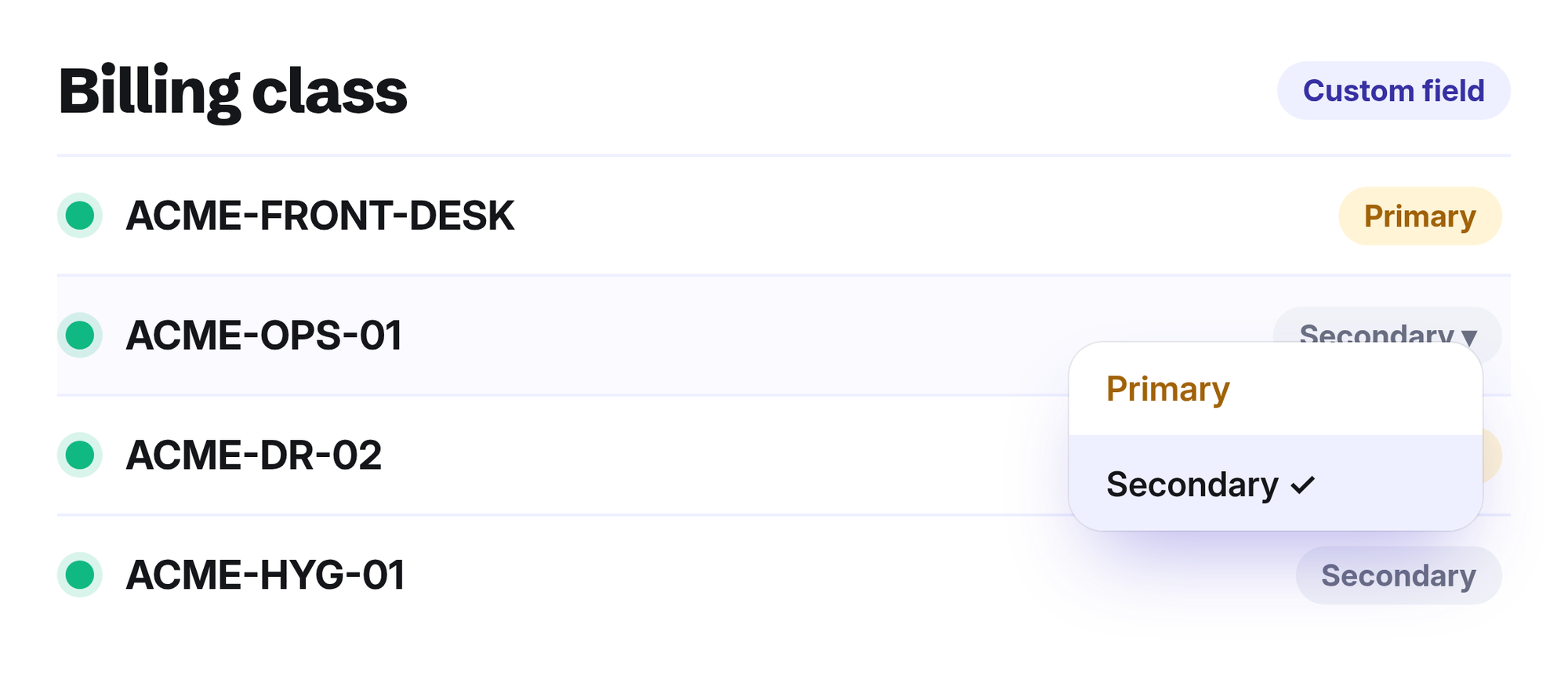
Typed device fields (text, number, date, select, yes or no) such as Billing class. The same fields show on the device detail.
Find the quiet ones fast.
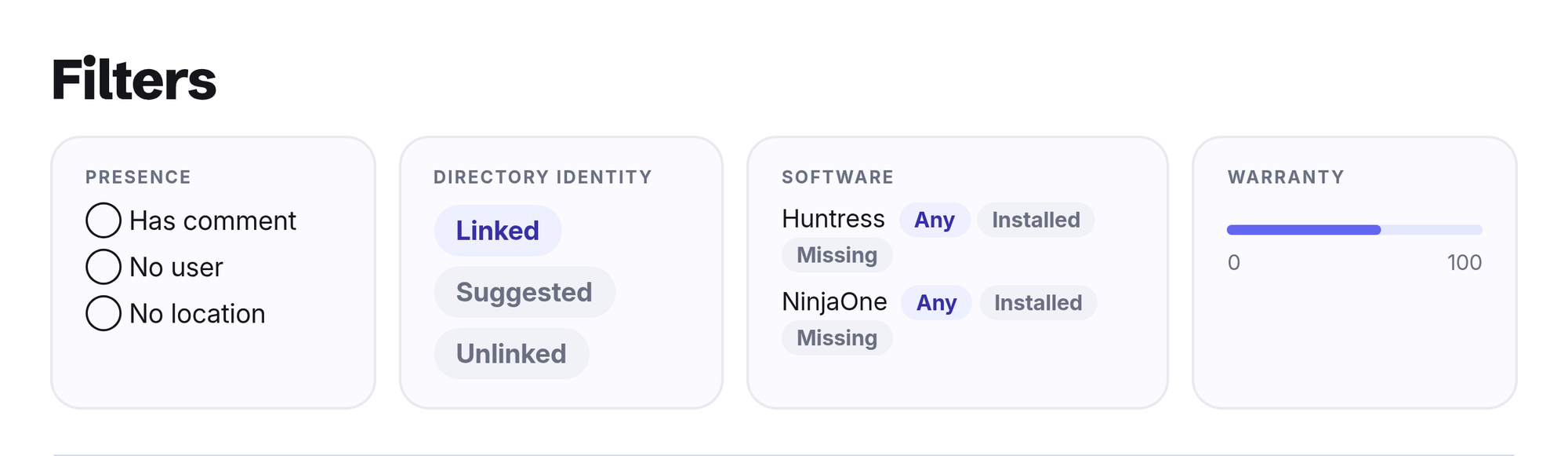
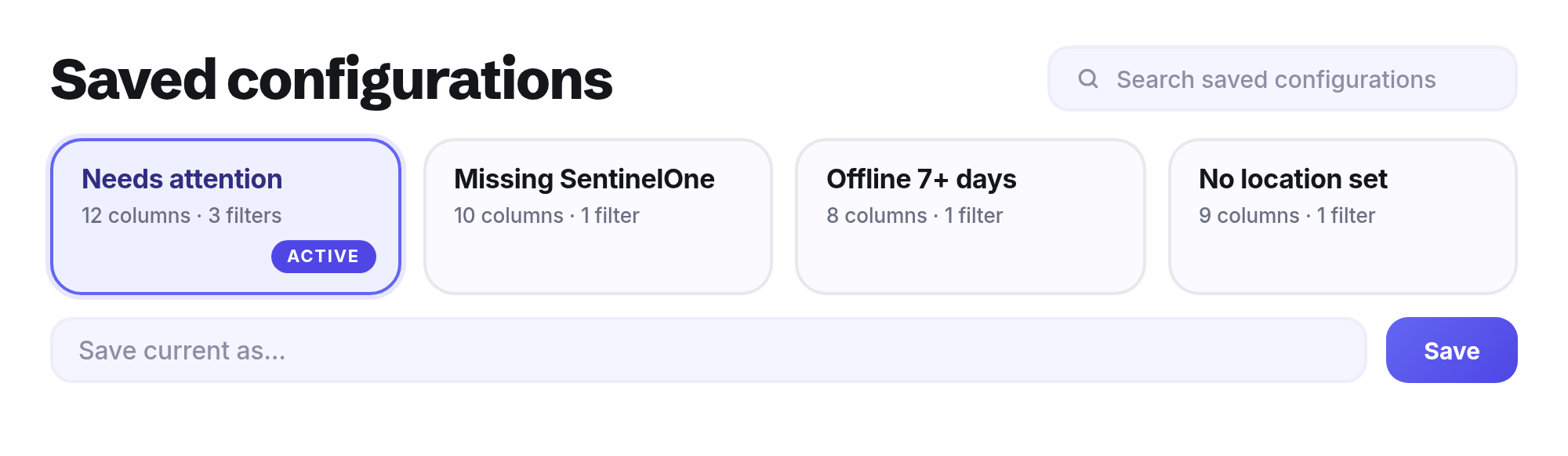
Saved filters and column layouts, a last-online filter from 24 hours to a year and more (or never), and an empty-location filter.
Retire what is gone.
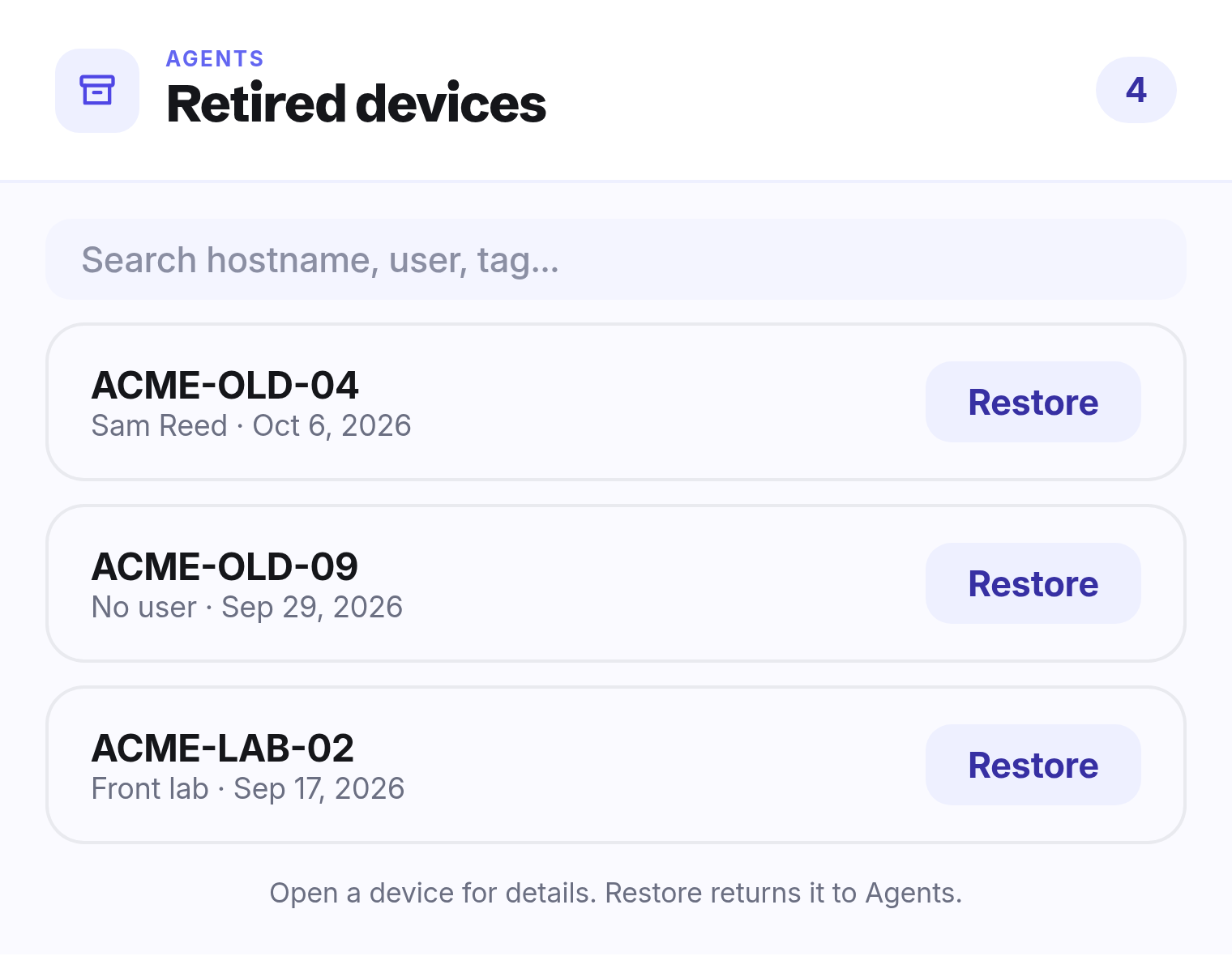
Stale or removed devices move to a retired list instead of cluttering the live table. Available on plans with retired device management.
Hand it off in one file.
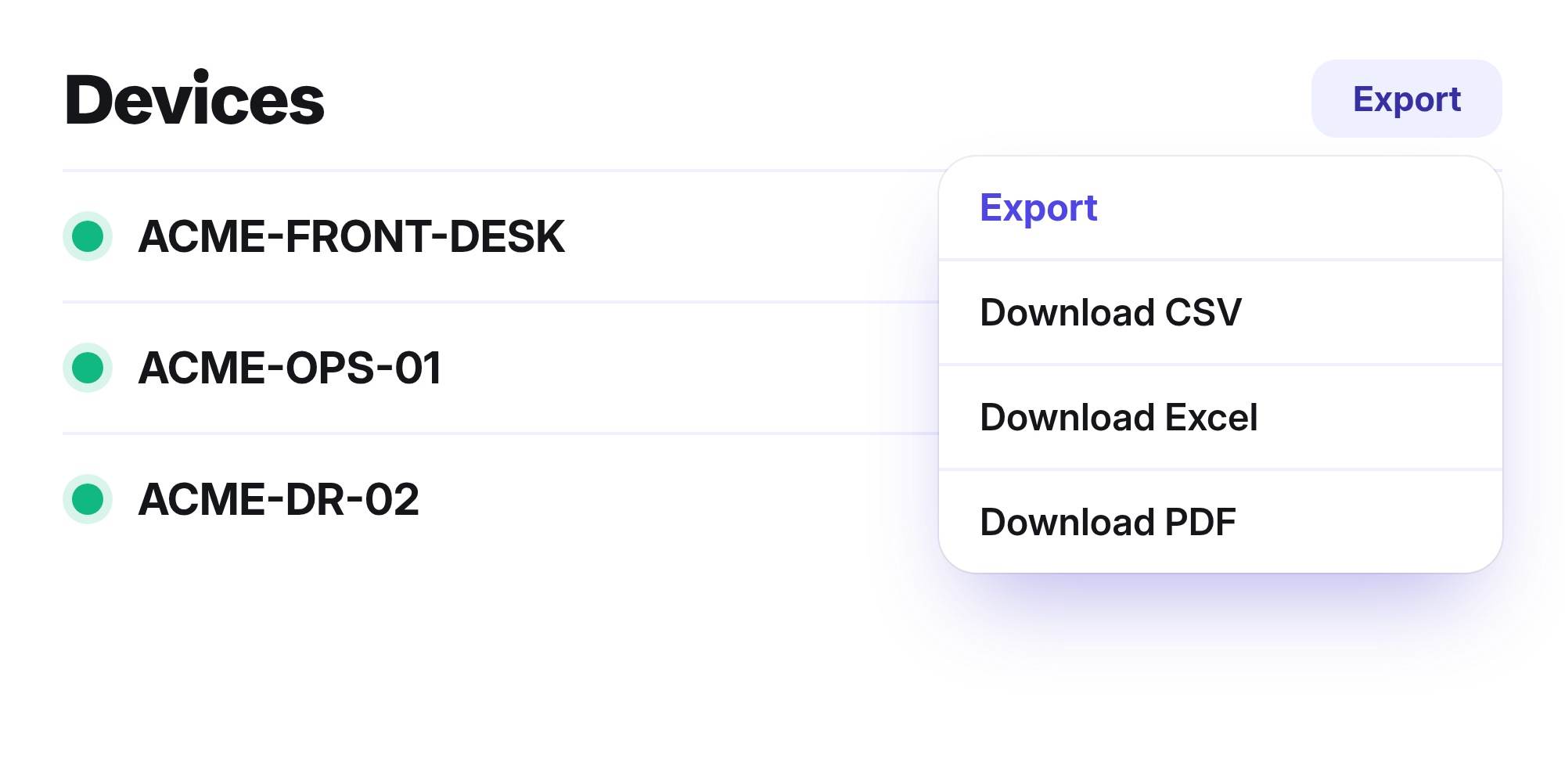
Export the table as an Excel workbook, a CSV, or a PDF fleet dossier.
One morning with a new client's fleet.
Illustrative numbers.
Hardware, warranty and location fill in.
Required software shows two gaps.
The gaps are flagged for your team.
One file goes to the client.
Questions MSPs ask.
Does InventoryOS install missing software?
No. It shows and flags what is missing; your RMM handles the install.
How fresh is the data?
Agents check in about every two minutes, and a device shows as online if it was seen in the last 45 minutes.
Which makers get warranty lookup?
Dell, HP, and Lenovo.
Do phones count?
Yes. Phones and tablets enroll and appear in the same table. They are not part of required-software checks.
Which portals are matched?
Huntress, NinjaOne, SentinelOne, Webroot, Malwarebytes, DNSFilter, and a growing list of backup and security tools.